
Your Detailed Guide to Metrash2 App (Qatar)
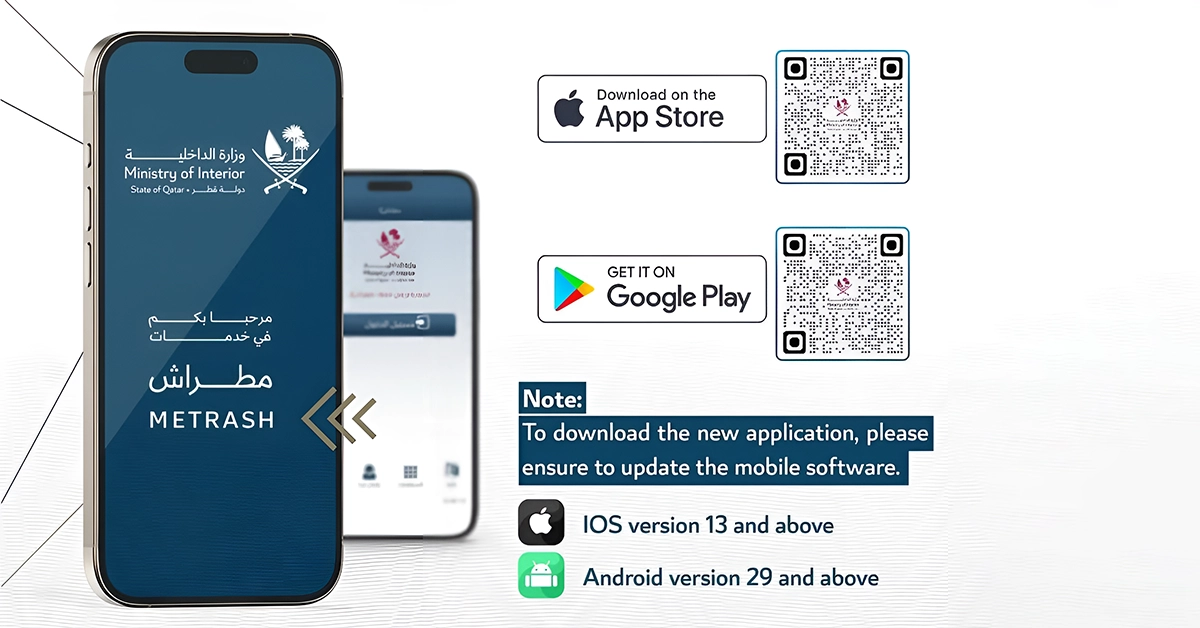
If you live in Qatar, the Metrash2 app is a must-have for managing everyday government tasks. From applying for a family visit visa through Metrash2 to checking traffic violations, this app helps you complete tasks without needing to visit a physical office.
This guide explains how to download Metrash2, log in, register and utilise its primary features. Whether you need to pay fines, update personal details, or apply for services, Metrash2 Qatar makes it quicker and more convenient. Let’s explore how it works and what you can do with it.
What is the Metrash2 App?
The Metrash2 app is Qatar’s official Ministry of Interior mobile service. It offers over 180 government services, from checking traffic fines to managing visas and clearance certificates, all in one secure location.
Free to download, it supports multiple languages and saves users time by enabling secure payments and document requests without requiring office visits.
Perfect for residents and citizens alike, Metrash2 puts your Qatar ID, driving licence, vehicle information and more at your fingertips, simplifying everyday tasks with ease.
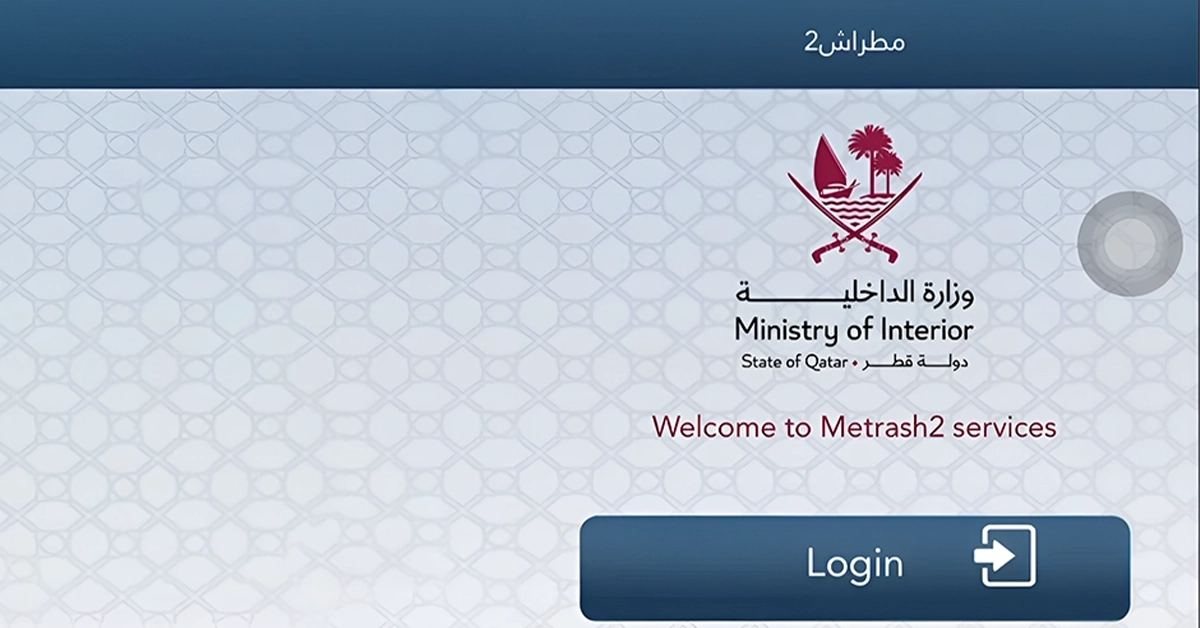
Features of the Metrash2 App
The Metrash2 app provides a comprehensive suite of services offered by Qatar’s Ministry of Interior, enabling residents and citizens to manage essential affairs securely from their mobile devices.
From the Metrash2 Qatar app, you can:
- Access digital copies of QID, driver’s licence and vehicle registration via an e‑wallet.
- Apply for and renew family visit visas, residence permits and exit permits.
- View violations and pay fines easily
- Request police clearances and residency documents
- Authorise signatories to manage employee visas, company licences and delegation services.
Services Offered by the Metrash2 App
The Metrash2 app provides a comprehensive range of services from Qatar’s Ministry of Interior, enabling users to complete official tasks securely on their smartphones.
Metrash2 Qatar offers the following services:
1. Document management
- Access digital copies of your Qatar ID, driving licence and vehicle registration via the Metrash2 e-wallet.
- View official documents directly through the Metrash2 app, eliminating the need for physical copies.
2. Family Visit Visa through Metrash2
- Apply for a family visit visa through Metrash2 without visiting any office.
- Submit documents, track your application and receive updates directly via Metrash2 online.
- Extend visit visas if needed and manage dependents from your account.
3. Residency and Exit Permit Services
- Apply for and renew residence permits for family members or employees using the Metrash2 Qatar login.
- Request an exit permit for individuals under sponsorship (if required).
- Use the app to receive notifications about upcoming renewals and permit expirations.
4. Traffic and Vehicle Services
- Check and pay Metrash2 traffic violations quickly and securely.
- Renew your vehicle registration (Istimara) and driving licence through the Metrash2 mobile app.
- Transfer vehicle ownership or manage number-plate services without visiting traffic offices.
5. Police Clearance Certificate
- Apply for a police clearance certificate (also called a good conduct certificate) in Qatar.
- Report lost items, crimes, or submit tips anonymously.
6. Certificate and Inquiry Services
- Request official certificates, including national address, traffic and visa holder certificates.
- View personal travel history and transaction records using Metrash2 online services.
7. Delegation and Family management
- Register family members who don’t have access to a Qatar SIM.
- Authorise someone else via the Metrash2 app to complete processes such as visa applications, car ownership transfers, or document collections.
8. Travel and Border Services
- Pre-register for entry at the Abu Samra land border.
- Apply for return permits for expatriates outside Qatar using the Metrash2 visit visa application tools.
9. General Support and Helpline
- Locate Ministry of Interior service centres on the map in the app.
- Use the Metrash2 helpline number or “Communicate With Us” for support.
- In case of login issues, users can reset via Metrash2 activation SMS or call the Metrash2 call centre.

How to Register on the Metrash2 App
To use the Metrash2 app, you must first register using your QID and mobile number. The process is quick and can be completed in a few steps.
Step 1: Download the Metrash2 App
- Go to the App Store (iOS) or Google Play Store (Android).
- Search for “Metrash2” and install the app.
- Make sure your mobile number is registered under your Qatar ID.
Step 2: Open the App and Select Language
- Launch the app and choose your preferred language (English or Arabic).
- Tap on “Register”.
Step 3: Enter Your Details
- Enter your Qatar ID number and ID expiration date.
- Enter the mobile number linked to your QID (SIM must be in your name).
- Tap “Next”.
Step 4: Receive the Activation Code
- You will receive two activation SMS codes from the Ministry of Interior.
- If you don’t receive the codes, you may contact the Metrash2 helpline or try again later.
Step 5: Create a PIN
- After entering both codes, you’ll be asked to create a six-digit PIN.
- This PIN will be used for logging in to the Metrash2 app each time.
Step 6: Successful Registration
- Once your PIN is set, registration is complete.
- You can now access Metrash2 online services, including visa applications, traffic fines and document requests.
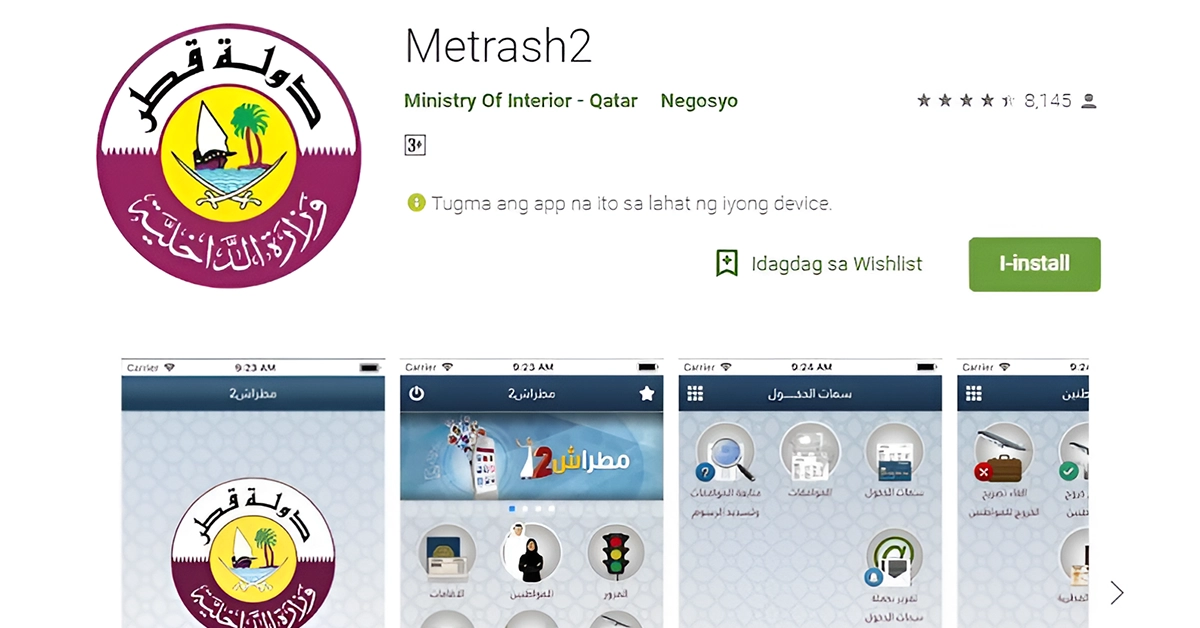
Metrash2 App Payment Options
Metrash2 allows you to pay for various government services, including traffic fines, visa fees and police clearance, securely within the app. It supports:
- Credit & debit cards (Visa and Mastercard) for individuals—used widely for paying fines and visa fees within the app.
- Apple Pay and Google Pay for fast, mobile wallet payments on supported devices.
- Direct debit (account-to-account) setups for corporate accounts are typically processed via Qatar National Bank.
Payments are processed instantly, with digital receipts sent to your email and stored in the app under “My Transactions.”
Key Notes
- For traffic fines, Metrash2 often offers a 50% discount when paid within one month, although some offences, such as using a phone while driving, are excluded.
- If a transaction fails, your bank may automatically initiate a refund.
- Company setups may require a visit to QNB to authorise direct debit.
Metrash2 Customer Support and Contact Information
- Within Qatar: Dial 234-2000 for immediate assistance with app issues, login problems, OTP delays, activation codes, payment errors and other related issues.
- From abroad: Call +974-234-2000
- In-person Support: Visit any MOI service centre. The staff there can assist with registration, PIN changes, mobile number updates, or more complex issues.
- In-app Support: Use the “Communicate With Us” or “Help” feature in the app to submit enquiries directly.
Common Issues You Can Resolve
- Login problems or forgotten PIN
- New SIM not registered with your QID
- OTP or activation code issues
- Payment or refund glitches
- Trouble with visa applications, traffic fines, or document requests
Tips for faster support:
- Always have your QID number and registered mobile number ready.
- Take note of error messages or behaviour.
- Prepare screenshots if emailing.
- Ensure you have updated the app to the latest version.
Key Takeaways
- The Metrash2 app provides access to over 200 services from Qatar’s Ministry of Interior, including visa applications, traffic fine payments and document requests.
- Registration requires a valid Qatar ID and a mobile number registered under the user’s name.
- Users can make payments through credit or debit cards, as well as Apple Pay and Google Pay.
- Key services include applying for family visit visas, exit permits, police clearance and renewing driving licences.
- Customer support is available 24/7 via the Metrash2 helpline, email, in-app help, or at MOI service centres.
FAQs
1. How to Change Metrash2 Mobile Number?
To change your mobile number in Metrash2, you’ll need to visit your mobile service provider (Ooredoo or Vodafone) and make sure the number is officially registered under your Qatar ID. The app only works with numbers linked to your QID.
2. How to Apply for a Family Visit Visa Through Metrash2?
Open the Metrash2 app, go to “Visa Services”> “Issue Visa”> “Family Visit”. Fill in the details, upload the required documents (such as a passport copy and proof of relationship) and then pay the fee to submit.
3. How to Print a Visa From Metrash2?
To print a visa, go to the “Visa Services” section, then select “Visa Inquiry and Printing”. Enter the visa number or passport details to download and print your visa copy.
4. How to Activate Metrash2?
After entering your Qatar ID and mobile number in the app, you’ll receive two SMS codes. Enter both correctly, then set a 6-digit PIN. Once done, the app is ready to use.
5. What Is the PIN Code for Metrash2?
It’s a 6-digit security code that you create during registration. You will need it every time you log in to Metrash2.
6. How to Get PIN Code in Metrash2?
You set the PIN during registration. If you forget it, you’ll have to re-register by entering your QID, getting new activation codes and creating a new PIN.
7. How to Register Metrash2?
Download the app, select your language, enter your QID and mobile number and then follow the steps to receive the SMS codes. After that, set your 6-digit PIN to complete registration.
8. How to Apply for a Family Residence Visa Through Metrash2?
Go to “Visa Services”> “Residency Visa”> “Family Residency”. Please complete the form, attach the required documents (e.g., salary certificate, tenancy contract) and submit your application.
9. How to Apply for a Visa in Metrash2?
You can apply for different types of visas under the “Visa Services” tab. Select the visa type, complete the form, upload the required documents and pay the applicable fee.
10. How to Deactivate Metrash2?
There’s no direct button in the app to deactivate it. You can call the Metrash2 helpline at 2342000 or visit a Ministry of Interior service centre and request deactivation.
11. How to Pay Through Metrash2?
Once you’ve submitted a service request (like a visa or fine), the app will guide you to the payment page. You can pay using credit or debit cards, Apple Pay, or Google Pay.
12. How to Apply for an Exit Permit in Metrash2?
Head to “Residency Services”> “Exit Permit”. Select the person under your sponsorship, choose whether to apply for a single or multiple exit permits and follow the steps to submit your request.
Metrash2 makes it easier than ever to handle essential government services in Qatar, right from your phone. From visa applications to payments and updates, the app is a must-have for both residents and citizens. With just a few steps, you can stay on top of your official tasks anytime, anywhere.